
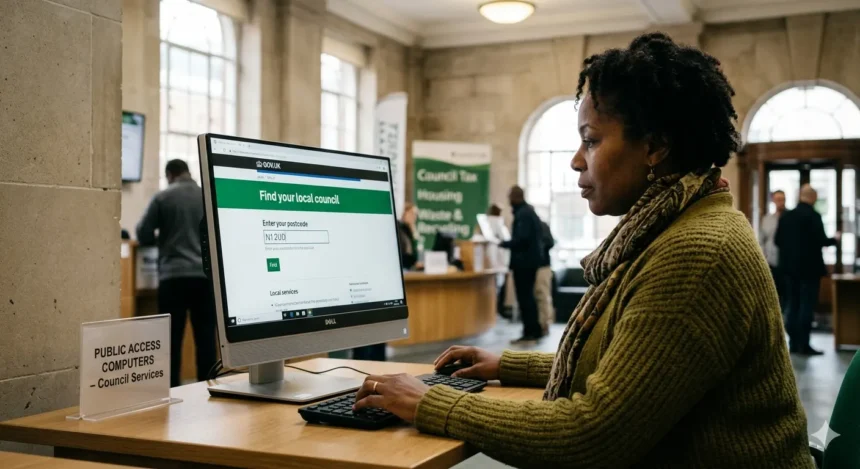
To find your North London council portal, visit GOV.UK’s “Find your local council” tool and enter your postcode for Brent, Barnet, Enfield, Camden, Haringey, or Islington. This leads directly to your borough’s official “My Account” or resident login page for services like council tax, housing, and bins.
Why This Matters to Local Residents
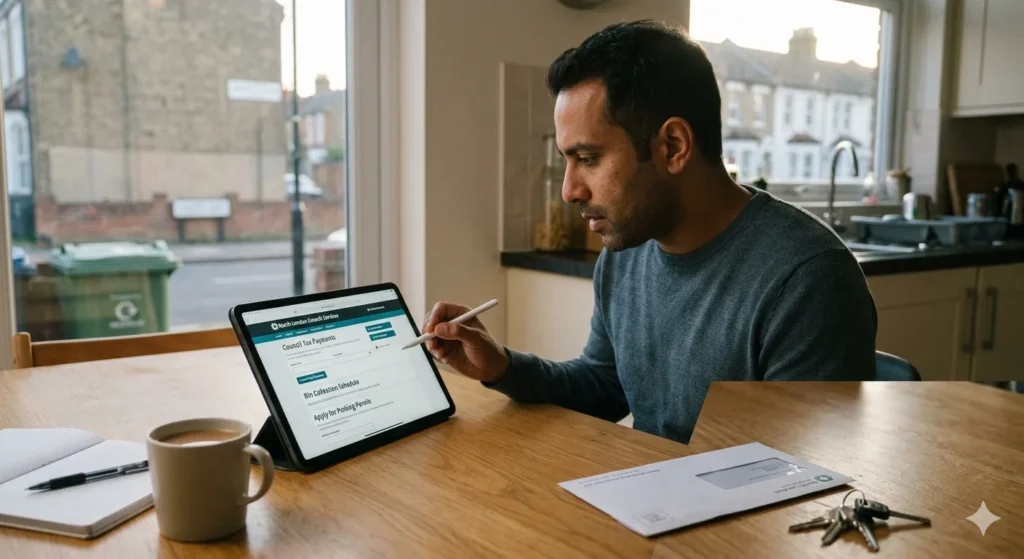
Accessing your North London council portal simplifies everyday tasks for residents in Brent, Barnet, Enfield, Camden, Haringey, and Islington. It allows secure management of council tax payments, bin collections, parking permits, and housing repairs without repeated calls or visits.
Many local residents rely on these portals for quick updates on services amid busy lives. Delays in finding the right login can lead to missed deadlines, such as benefit claims or planning applications. A reliable portal connection ensures compliance with council procedures and saves time.
Step-by-Step Actions to Solve the Problem
Follow these straightforward steps to locate and access your North London council portal.
- Go to the GOV.UK “Find your local council” page.
- Enter your postcode to identify your borough (Brent, Barnet, Enfield, Camden, Haringey, or Islington).
- Click through to your council’s homepage.
- Look for “My Account”, “Resident Login”, or “Services” in the top menu.
- Register or sign in using your email and postcode for verification.
- Set up two-factor authentication if prompted for added security.
These actions work across all specified North London councils and align with UK digital service standards.
Which Council Service Handles It
Each North London borough manages its portal through its central “Resident Services” or “Customer Portal” team. For Brent council, it’s under Digital Services; Barnet council uses “My Barnet”; Enfield council has “My Enfield”; Camden council offers “My Camden”; Haringey council provides “My Haringey”; and Islington council runs “My Islington”.
These services integrate all key functions like reporting issues or viewing documents. Contact the general customer service desk via the council homepage if login issues persist, as they oversee portal access.
Information or Documents Needed
Minimal details suffice to access your North London council portal. Provide your full postcode, email address, and either your Council Tax reference or property number, found on bills or statements.
No physical documents are required for initial setup, though having a recent council tax or rent statement handy speeds verification. UK data protection rules ensure your information remains secure during registration.
Expected Response Time
Immediate access is typical once registered on your North London council portal. Login takes seconds after email verification, which arrives within minutes.
If activation requires manual checks, such as unusual postcodes, councils aim to respond within one working day. Peak times, like month-end for bills, may add slight delays, but portals operate 24/7 for self-service.
What to Do If Follow-Up Is Required
If portal access fails after steps, use the “Contact Us” form on your council homepage. Select “Online Services” or “My Account Issues” and detail the problem, including screenshots if possible.
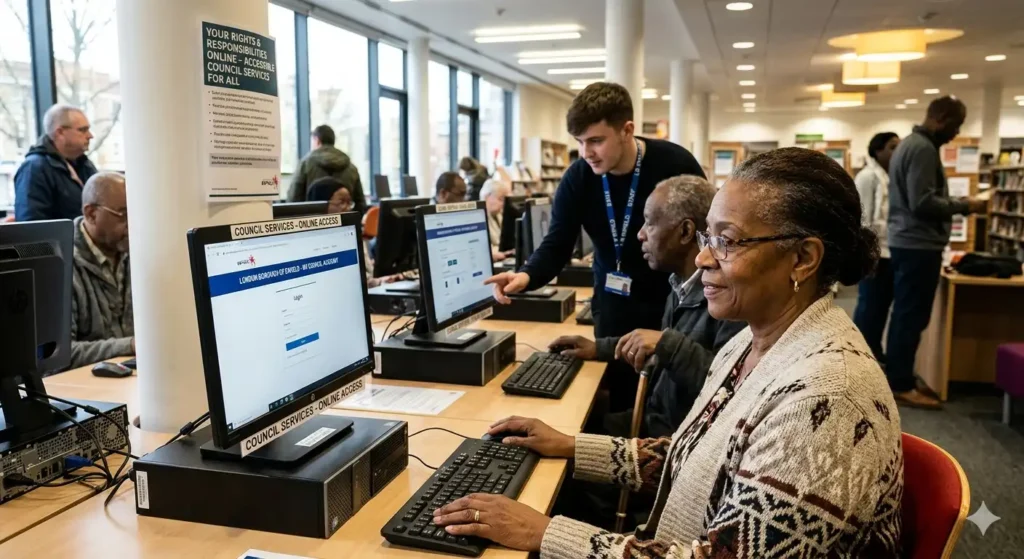
Escalate to the complaints procedure outlined on the site if no reply within 10 working days. Local residents in Brent, Barnet, Enfield, Camden, Haringey, or Islington can also visit local libraries for assisted digital help.
Rights and Responsibilities Under UK Rules
Under the UK Data Protection Act 2018 and GDPR, residents have the right to secure, accessible online services from councils. North London councils must provide portals compliant with Public Sector Bodies Accessibility Regulations, ensuring usability for all.
Responsibilities include using accurate details during registration and reporting lost access promptly. Misuse, like sharing logins, violates terms and may lead to account suspension. Councils uphold the Local Government Transparency Code for open data access.
Practical Tips to Avoid the Problem in Future
Bookmark your North London council portal directly after first login for Brent, Barnet, Enfield, Camden, Haringey, or Islington. Save the URL in your browser or phone’s home screen as “My Council Portal”.
Update contact details annually and enable email alerts for service changes. Use a password manager for secure recall, and note your Council Tax reference as a recovery key. Local residents benefit from setting calendar reminders for annual logins to keep accounts active.
How can I check the progress of my planning application?
Visit your North London council’s online planning portal, enter the application reference number or property address, and view the latest status updates, documents, and decision timeline.